How Can Parents Unlock Their Child’s Digital Creativity?
Building digital confidence starts with age-appropriate tools like Scratch and multimedia platforms that make technology feel less intimidating and more like play.
A Lesson From My Kitchen Table
My daughter stared at a blank screen, convinced she couldn’t code. I watched her shoulders tense. Then something shifted when I reframed it: “You’re not programming. You’re telling a story the computer understands.” That conversation sparked her first animation project. At Adaptive Atlas, we document these pivotal moments because we’ve discovered that small perspective shifts unlock what fear previously blocked. Kids don’t need perfection. They need permission to explore without judgment.
When Process Became Everything
Last spring, my son spent three weeks iterating on a digital illustration. The final version barely differed from draft one. Yet watching him problem-solve, experiment with tools, and persist through technical glitches transformed him. That’s when I truly grasped that the journey itself builds resilience and adaptability far better than any polished outcome ever could.
Quick Takeaways
- Select age-appropriate digital tools that support storytelling, multimedia, and interactive features to engage learners effectively.
- Align projects with educational goals, encouraging exploration, creativity, and collaboration to foster deeper understanding.
- Provide clear instructions, guidance, and resources while promoting independence and ownership in project development.
- Incorporate visual design elements and feedback to enhance meaning, motivation, and persistence throughout the process.
- Prioritize safety, data privacy, and troubleshooting strategies to ensure a secure and efficient digital learning environment.
How to Build a Digital Content Creation Framework for Kids
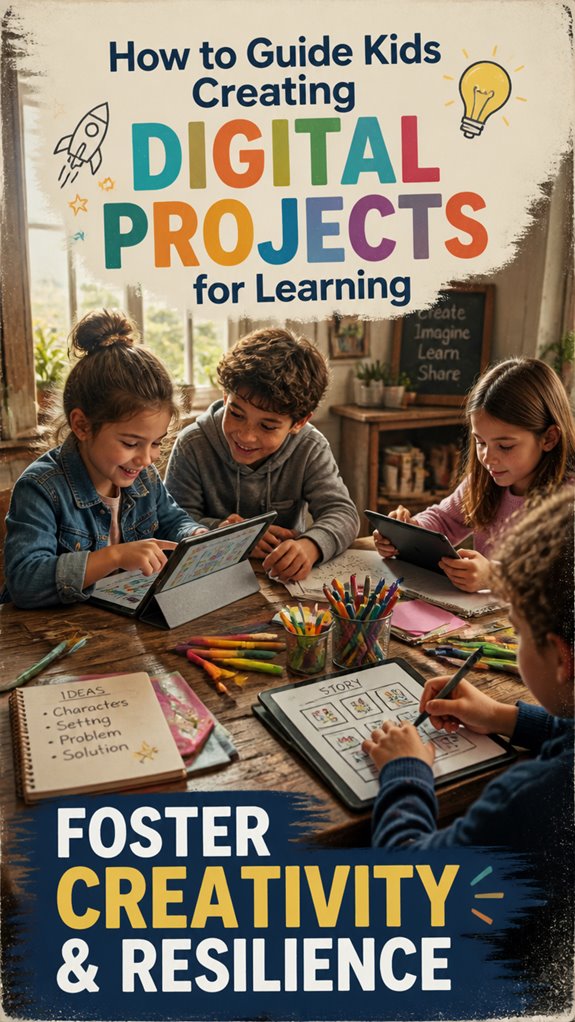
Have you ever wondered how to guide your children in creating digital content that truly supports their future? The key is building a framework centered around creative storytelling and visual design.
First, teach them to craft narratives that resonate and communicate ideas clearly. Encourage visual design that captures attention and enhances meaning—simple sketches, color use, or layouts.
Instead of worrying about perfect tools, focus on process and intention, helping kids develop their voice and sense of purpose. Understand that mastery isn’t immediate; it’s built through consistent practice and reflection.
Reframe fears about digital skills replacing traditional learning by emphasizing how these practices develop critical thinking and adaptability.
A structured, intentional approach empowers children to create meaningful projects today, laying a foundation for lifelong learning and growth.
Choosing Age-Appropriate Tools and Creative Strategies for Young Creators
Choosing the right tools and strategies for young creators may seem intimidating, especially with so many digital options. Still, it’s about selecting age-appropriate tools that foster creativity and confidence.
For younger children, focus on visual programming platforms like Scratch or Blockly, which simplify coding through intuitive, drag-and-drop interfaces. These tools build foundational digital storytelling skills, helping kids express ideas clearly while developing problem-solving abilities.
As children grow, introduce more flexible tools that support deeper engagement with storytelling and richer multimedia. Keep in mind, the goal isn’t just to teach specific skills but to nurture a mindset of exploration and adaptability.
Simplify choices, stay consistent, and focus on the process. This approach builds a strong, future-ready foundation rooted in systems and long-term growth rather than quick fixes.
Boost Engagement and Foster Collaboration in Digital Projects
Creating digital projects offers more than just building skills; it’s a chance for children to engage actively and collaborate meaningfully. To do this effectively, you can use gamification strategies—adding elements like rewards, challenges, or competitions—to motivate participation.
Peer interaction also plays a crucial role; children learn best when they work together, share ideas, and give feedback. Many parents worry about collaboration turning into distraction or conflict, but the key is structuring projects to promote clear communication and shared goals.
When children work on digital projects at home, independent learning flourishes as they take ownership of their own educational journey. Research from organizations like the EdTech Hub shows that when children feel motivated and connected, engagement deepens and learning becomes more impactful.
Data on Digital Project Engagement
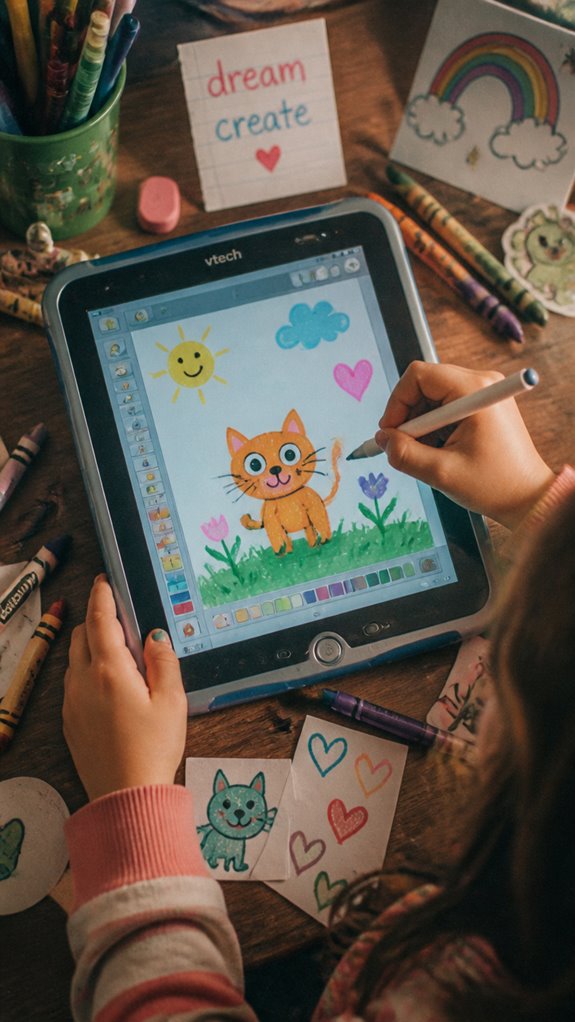
Understanding how children engage with digital projects might seem complex, but focusing on reliable data helps you guide their learning effectively. Engagement metrics show how much children participate, including completion rates, discussion contributions, and time spent on activities. Keep in mind, platforms like EdX outperform others in engagement despite smaller users, indicating thoughtful design matters more than popularity. Supporting children with energy management strategies can help maintain their focus and participation in digital learning activities.
Here’s a quick look:
| Platform | Engagement Metric | Key perspectives |
|---|---|---|
| EdX | Highest engagement ratio | Design influences persistence |
| Udemy | Large student base, lower engagement | Larger doesn’t mean more committed |
| School Data | Activity tracking in classrooms | Granular data helps guide teaching |
Prioritize online safety, data privacy, and parental guidance. Focus on building routines that foster steady, meaningful interactions, ensuring children learn confidently and securely.
Troubleshooting Tech Access Issues
Even though tech access issues like spotty internet or shared devices frustrate many families, you can troubleshoot them systematically to keep your child’s digital projects on track. Acknowledge the fear—over half of low-income kids lack reliable devices outside school—but reframe it: you cultivate resilience and skills for their future by addressing device limitations head-on.
Even though tech access issues frustrate families, troubleshoot systematically to build your child’s resilience and future skills.
Start with connectivity solutions. Check E-rate plans or hotspot loans from libraries; partner with community Wi-Fi if needed. Build connectivity through broadband prioritization to ensure steady access for project work.
For shared devices, set schedules and use one-in-ten families’ smartphone-only reality as a cue to prioritize independent practice.
Next, teach basics like powering up or email setup, countering the myth that social media equals digital literacy. Create step-by-step guides with screenshots. Consider using guided AI support to help your child develop comprehensive digital skills that extend beyond basic device operation.
Test tools yourself via Universal Design for Learning standards to spot issues early. This system ensures your child gains mastery, turning barriers into lifelong capability.
Digital Project Guide for Kids
Guiding kids through digital projects might seem intimidating at first, especially if you’re worried about their ability to stay focused or produce meaningful work. But with a focus on creative autonomy, you empower them to take ownership of their learning.
It’s important to encourage children to explore their interests and make decisions about their projects, which builds confidence and adaptability. At the same time, discuss ethical considerations—like respecting others’ work and thinking about privacy—to help them develop responsible habits. Using a skill progress tracker can help you monitor their development across digital projects and identify areas where they’re growing most.
Keep in mind, the goal isn’t perfection but progress. By framing digital projects as opportunities for growth and expression, you help your child develop skills that will serve them in a constantly changing world.
This long-term outlook nurtures capable, ethical thinkers prepared for the future.
The Adaptive Atlas Learning Stack Model
The Adaptive Atlas Learning Stack Model provides a clear way to understand how children develop the skills they need to thrive in a constantly changing world. It’s built on the idea that the future will be unpredictable, so resilience and learning agility are key. Instead of preparing for a fixed career, you focus on fostering your child’s ability to adapt, think critically, and use tools like AI as partners.
This model emphasizes capabilities over specific knowledge—skills that will allow your child to navigate uncertainty confidently. It also recognizes that every child is unique and needs personalized support. When children engage with micro learning approaches, they build the mental flexibility necessary to apply their knowledge across different contexts and challenges.
The Adaptive Atlas Framework
Five connected systems designed to help parents raise adaptable, future-ready children in a world shaped by AI, automation, and constant change.
| 🛡️ |
Anti-Fragile Child SystemBuilds resilience, adaptability, and the ability to handle uncertainty without shutting down. |
| 📚 |
Learning Stack ModelDevelops self-directed learning habits and continuous skill acquisition beyond school systems. |
| 🚀 |
Future Skill Stack SystemFocuses on high-value human skills that remain relevant in an AI-driven economy. |
| 🤖 |
AI Learning SystemTeaches children how to use AI as a thinking partner instead of becoming dependent on it. |
| 🧭 |
Child Type Navigator SystemPersonalizes learning and development based on each child’s strengths and personality. |
FAQ
How Can I Encourage Kids to Take Ownership of Their Digital Projects?
You can encourage kids to take ownership by fostering creative autonomy, allowing them to select topics and methods, which boosts project motivation and engagement. Support their choices and celebrate uniqueness, helping them develop confidence in their digital collaboration skills.
What Safety Measures Should I Implement for Online Digital Project Creation?
You must implement rigorous cybersecurity measures and enforce strict online privacy protocols, like encrypted connections and access controls, to masterfully safeguard your child’s digital creations, ensuring their safety in an increasingly exposed online universe.
How Do I Balance Guided Instruction and Independent Exploration?
You should foster creative collaboration by setting clear goals while encouraging independent exploration, guiding children through technical troubleshooting as needed. Balance proactive instruction with autonomy to develop mastery, resilience, and problem-solving skills essential for adapting to changing digital environments.
What Are Effective Ways to Teach Kids About Digital Ethics and Responsibility?
You set the stage to teach digital ethics by modeling digital citizenship and emphasizing online safety. Foster active discussions, real-world scenarios, and critical thinking, so kids can navigate digital seas wisely, guarding their reputation and respect.
How Can I Personalize Digital Projects to Match Individual Children’s Strengths?
You can personalize digital projects by applying creative customization that aligns with each child’s strengths, fostering strengths-based learning. This approach amplifies their unique skills, boosts confidence, and encourages deep mastery while tailoring experiences to their individual developmental pathways.
References
- https://www.getoutpass.com/blog/5-steps-to-create-a-fun-and-engaging-digital-learning-environment-for-kids-at-home
- https://www.edutopia.org/article/designing-lessons-digital-tech/
- https://hapara.com/blog/six-ways-to-create-digital-education-content/
- https://k12.thoughtfullearning.com/blogpost/38-ways-students-can-create-digital-content
- https://tist.school/blog/how-to-help-kids-make-use-of-free-digital-materials-to-spur-creativity
- https://sherwoodhigh.com/blogs/how-to-help-kids-make-use-of-free-digital-material-to-spur-creativity/
- https://www.digitaltechnologieshub.edu.au/teach-and-assess/classroom-resources/lesson-ideas/
- https://scholarworks.lib.csusb.edu/cgi/viewcontent.cgi?article=3460&context=etd
- https://phys.org/news/2024-06-online-platforms-student-engagement-school.html
- https://www.ed.gov/sites/ed/files/2023/10/Digital-Education-Project.pdf